![Sportal365 logo-4.png]](https://knowledge-base.sportal365.com/hs-fs/hubfs/Sportal365%20logo-4.png?height=40&name=Sportal365%20logo-4.png)
Adding Ice Hockey Standings Widget to a post
The Ice Hockey Standings Widget lets you display live tournament standings — including group stage and elimination stage tables — directly within a post. Follow the steps below to add and configure it.
To set up the widget:
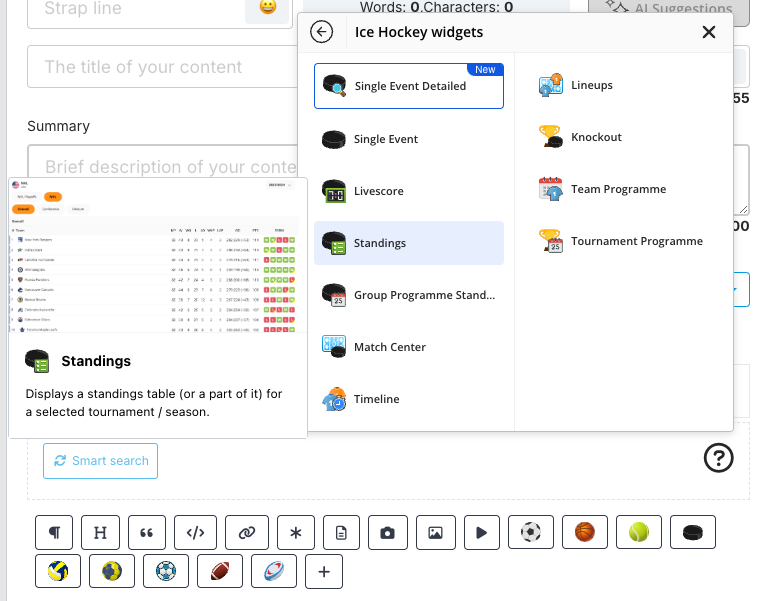
- In the row of buttons below the blocks in the article body, select +, then Ice Hockey widgets > Standings. You can also select the Ice Hockey icon in the same row to open this list directly.
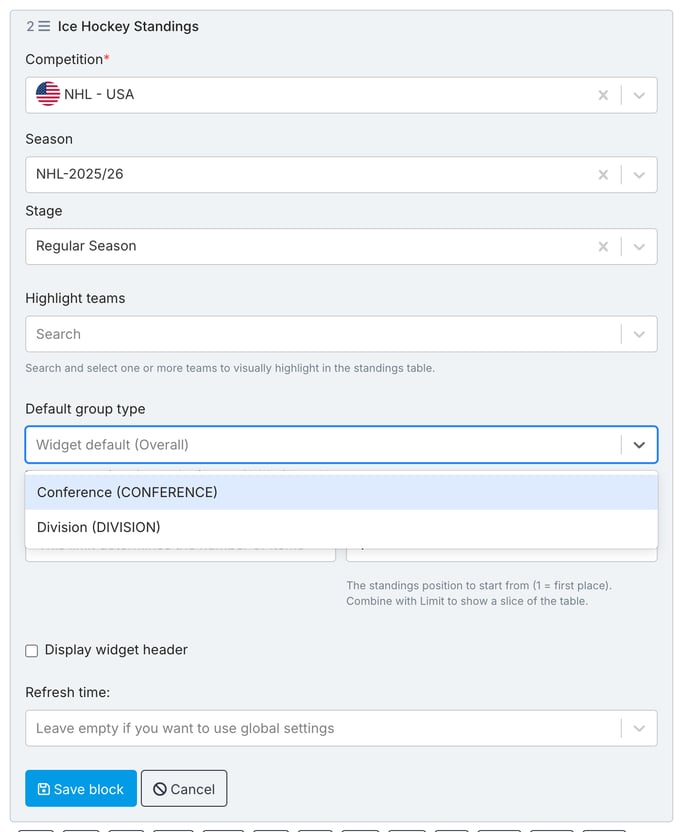
2. Select a Competition, Season, and Stage. Then choose whether to show the widget header (Display widget header) and set the group type the widget opens on (Default group type, for example Conference or Division). Optionally, use Highlight teams to highlight one or more teams in the table, and Limit together with Start from position (1 = first place) to show only a slice of the table.
The choices in Default group type come from the selected stage, so the field is disabled until you select a stage. Each choice is shown as a name followed by its code, such as Conference (CONFERENCE). Leave the field empty to use the widget default (Overall). The field does not depend on Display widget header.
If you change the stage later, your choice is kept and checked against the new stage. When the new stage does not offer it, a message says so: choose another group type or clear the field before you save. A block saved earlier keeps the group type it already had.
Note: Different tournaments use different stage structures — such as a group stage, an elimination stage, or others. Depending on the tournament selected, additional stage group options may appear.
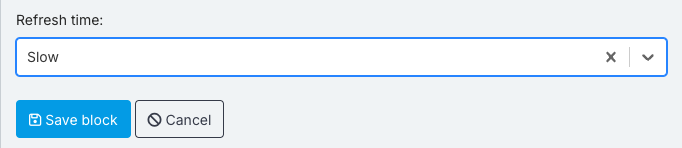
3. To control how frequently the widget data updates, choose a value in the Refresh time field: Never, Super slow, Slow, Medium, Fast or Super fast. Leave it empty to use the global settings.
4. When done, select Save block. If a required field is empty, a red message such as No competition selected appears in the form and the block is not saved. To see the widget, hover the saved block and select Preview.
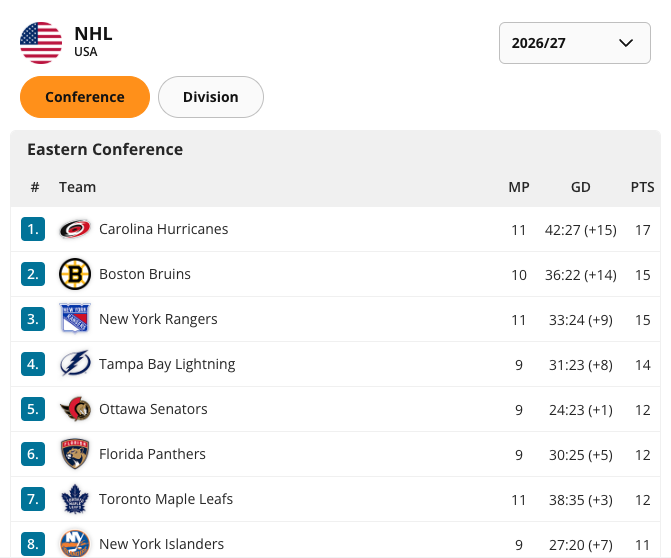
Preview of the Ice Hockey Standings Widget