![Sportal365 logo-4.png]](https://knowledge-base.sportal365.com/hs-fs/hubfs/Sportal365%20logo-4.png?height=40&name=Sportal365%20logo-4.png)
Roles
Roles are grouped permissions associated with a profile. Users can be assigned one or multiple roles, each containing a certain number of permissions allowing you to use the CMS.
Permissions
To find the permissions associated with your role:
-
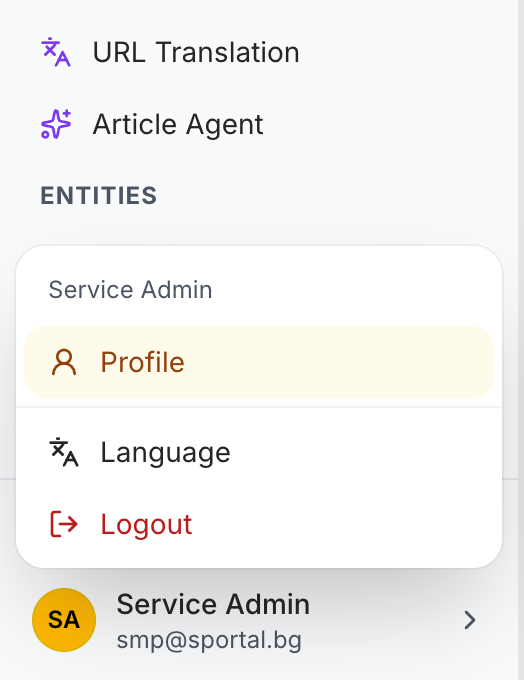
Open Sportal365 and, at the bottom of the left sidebar, select your account card (your initials, name and email). If the sidebar is collapsed, the card shows only your initials.
-
In the menu that opens, select Profile.
3. From the three tabs that appear, select Permissions.
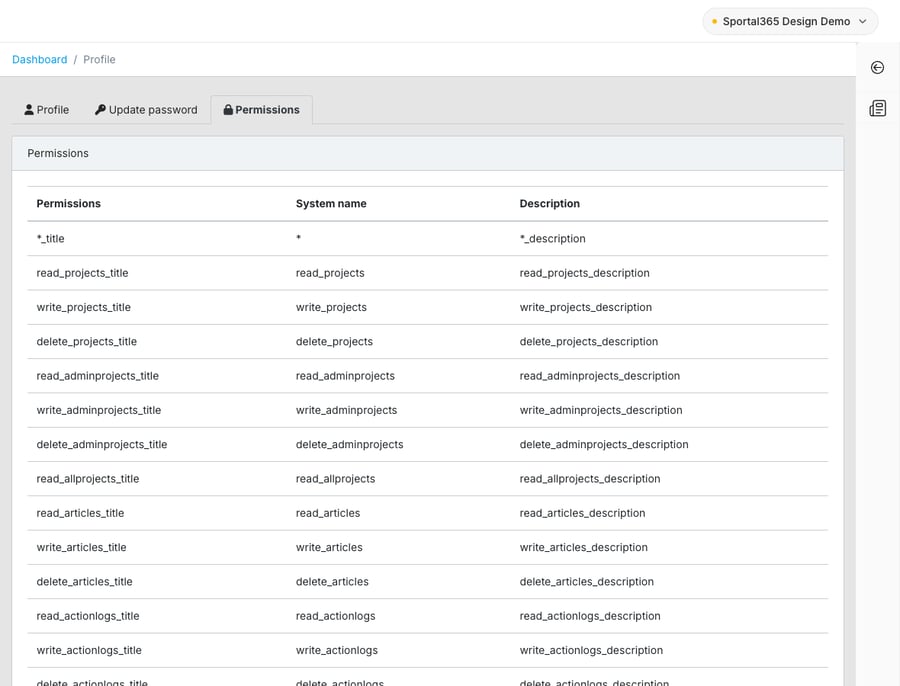
Note that depending on your case, some features of the CMS may be disabled for you (e.g. Videos) and won’t require permissions or appear on your dashboard.
If you are experiencing problems with permissions, please contact your administrator.