![Sportal365 logo-4.png]](https://knowledge-base.sportal365.com/hs-fs/hubfs/Sportal365%20logo-4.png?height=40&name=Sportal365%20logo-4.png)
Adding Football Lineups to a post
To set up the widget:
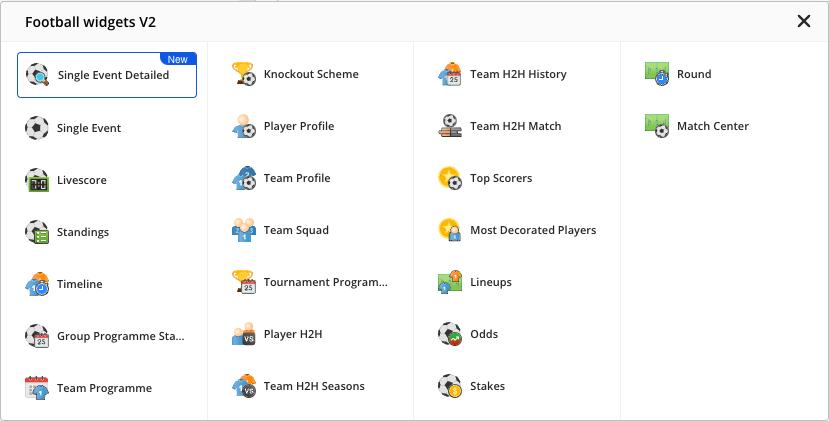
- In the quick-add row below the blocks in the article body, select the Football icon, then choose Lineups from the Football widgets V2 list that opens.
2. Select the team, match, and team colors in the corresponding fields. The color pickers (for example Real Madrid color) appear once you select a match and start with each team's own colors. Changing the match resets both colors to the new teams' defaults, so pick custom colors after you choose the match.
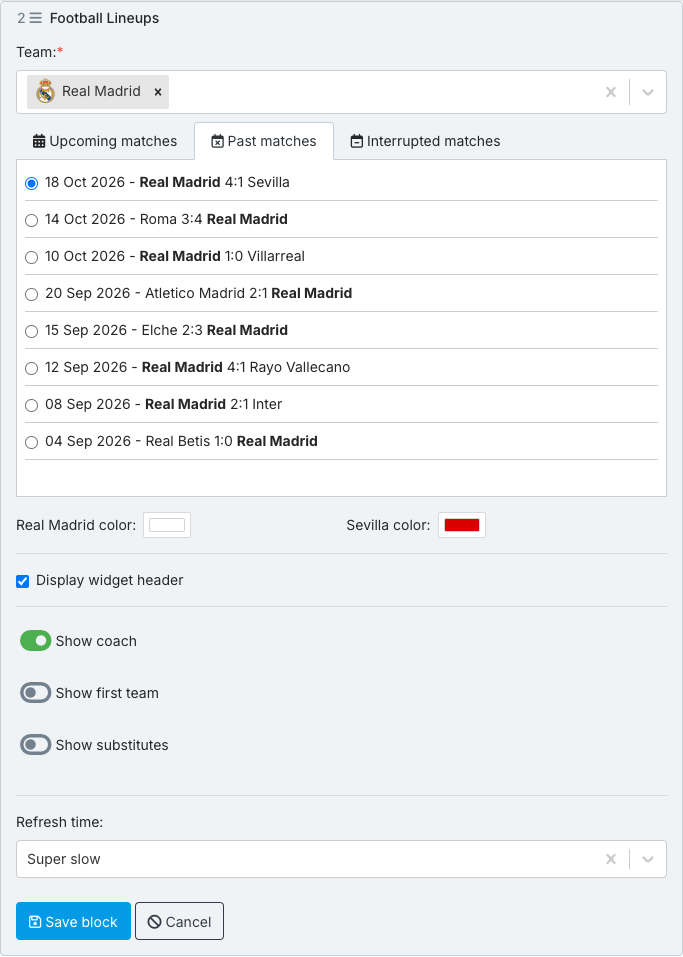
3. Select whether to display the widget header, the coach, the team and substitutes information, and whether they should be open by default.
4. To change the refresh time of the data inside the widget, use the Refresh time field.
5. When done, select Save block.
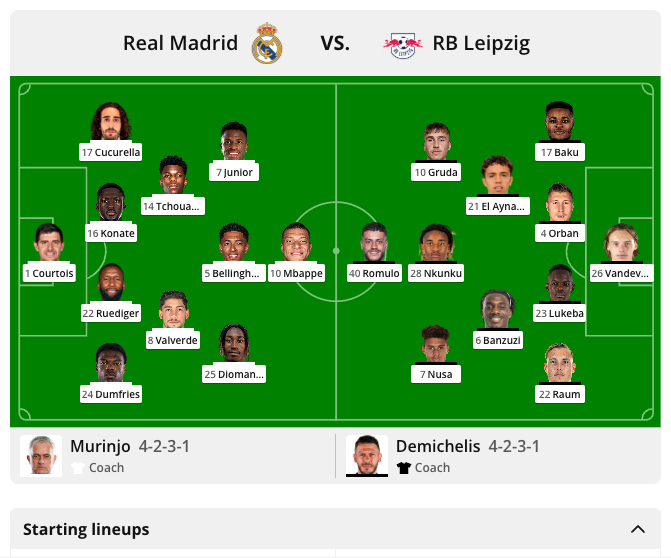
Preview of the Football Lineups Widget - Past Match
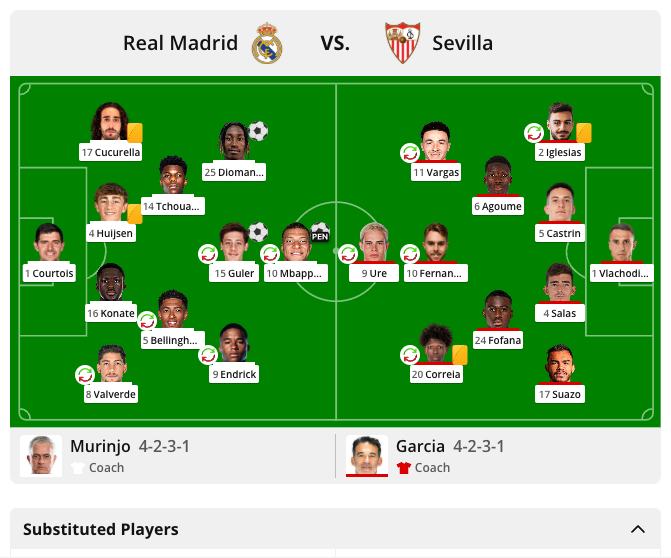
Preview of the Football Lineups Widget - Upcoming Match