![Sportal365 logo-4.png]](https://knowledge-base.sportal365.com/hs-fs/hubfs/Sportal365%20logo-4.png?height=40&name=Sportal365%20logo-4.png)
What is the Lists feature?
Lists is a feature that lets creators group articles, videos, or galleries under defined criteria so that the grouped content appears in a specific position on your website.
How do you add content to a list?
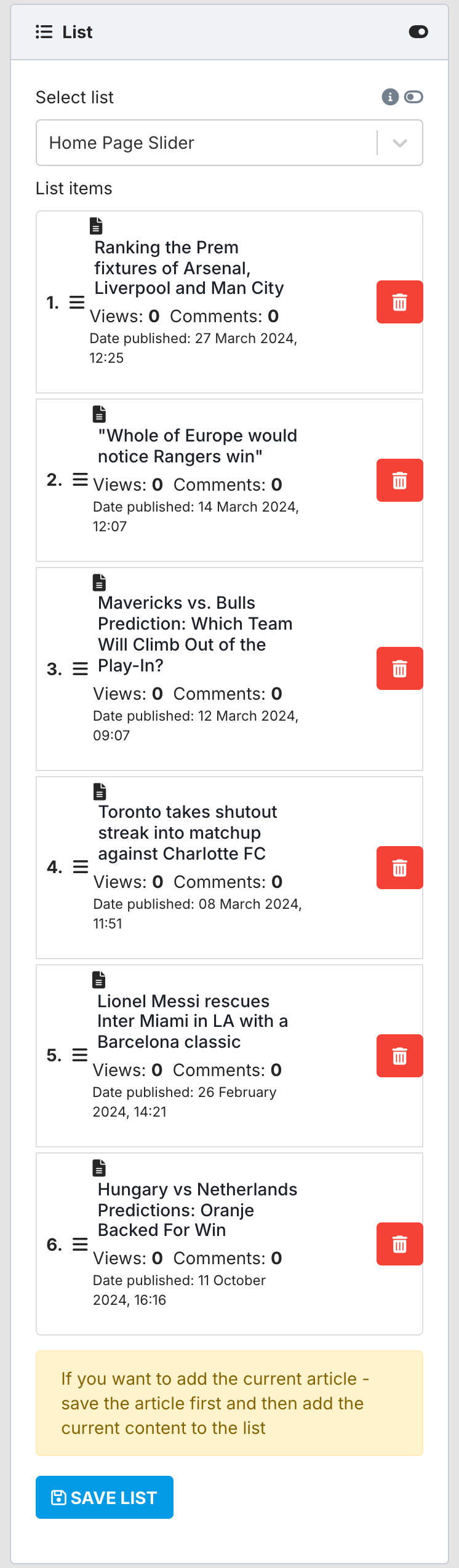
Adding your content to a list is optional. To do it, choose the list in the Select list field. The content already in that list appears under List items.
You can add only content that has been saved, so save your article first. Then, in the Add current article to list box, select + next to your article and select SAVE LIST. You can also complete this step at a later stage.
To learn more about Lists, see "Organizing content with lists"