![Sportal365 logo-4.png]](https://knowledge-base.sportal365.com/hs-fs/hubfs/Sportal365%20logo-4.png?height=40&name=Sportal365%20logo-4.png)
The Timeline widget shows the sequence of events within a single rugby match, half by half. Rugby carries more distinct event types than most sports here — tries, conversions, penalty kicks, cards and substitutions can all appear.
The fastest way to add a Rugby widget: select the Rugby icon in the quick-add row below the article body — no need to open the full block picker and search a category list.
Preconditions
- Your project must have the Rugby feature enabled. Widget categories are switched on per project, so if Rugby widgets does not appear in the block picker, ask your administrator to enable it.
- You need permission to create or edit articles.
- You need a specific match, so this widget is match-scoped rather than competition-scoped.
Adding the Rugby Timeline Widget to a post
To set up the widget:
- Open an article for editing, or create a new one.
- Below the blocks in the article body is a row of quick-add buttons: the content blocks first, then one icon for each sport enabled on your project, then +. Hover an icon to see its name — the Rugby icon is hovered here.

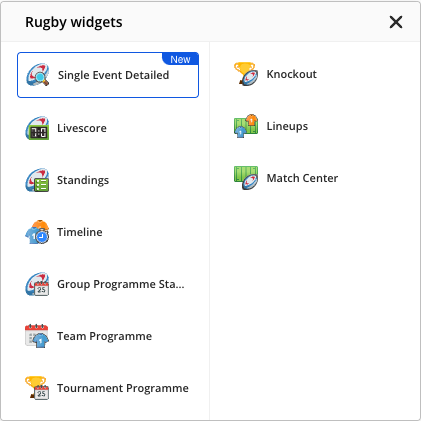
- Select the Rugby icon, then choose Timeline from the widget list that opens.
- Set the widget options. Team controls what it shows.
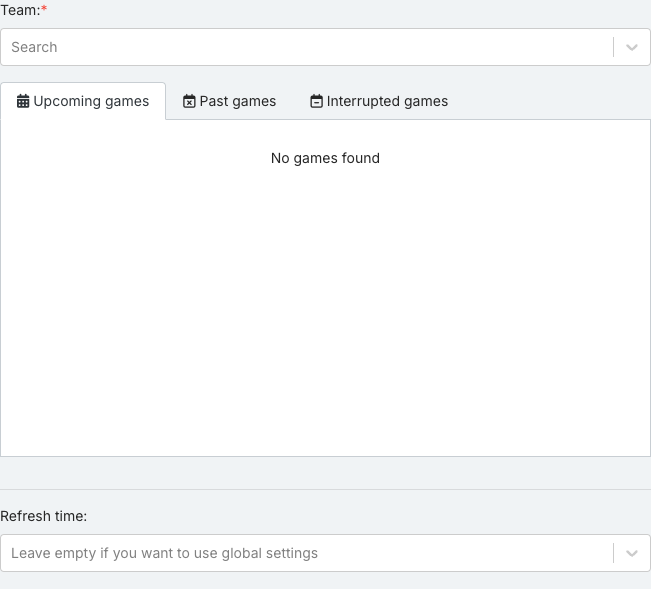
- Check the options are the ones you want. Some fields depend on others, so a list can be empty until you set the field above it.
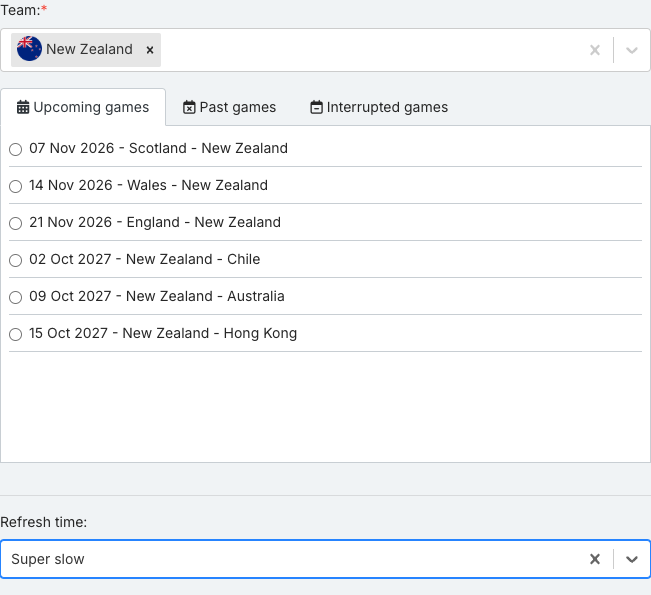
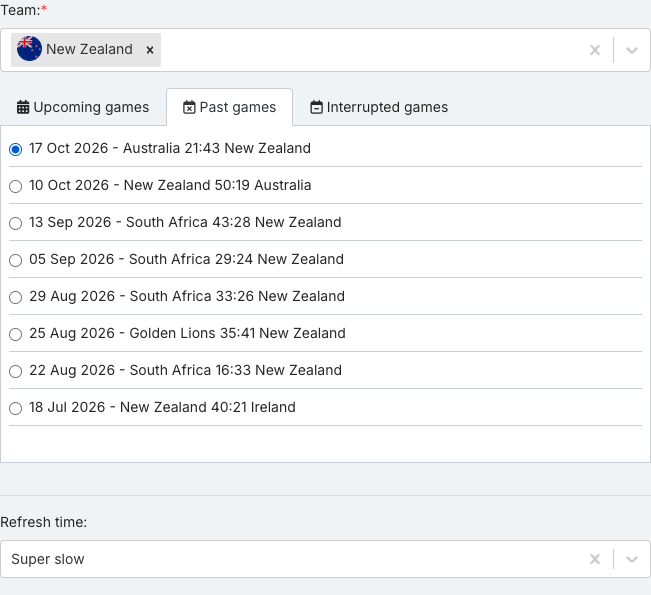
- The match list has Upcoming games, Past games and Interrupted games tabs. They read “No games found” until a team is set; then Upcoming games lists the team’s scheduled matches and Past games its finished ones. If Upcoming games stays empty, the team has no scheduled matches — open Past games. Select the specific match you want — the widget has nothing to show until one is checked.
- When done, select Save block.
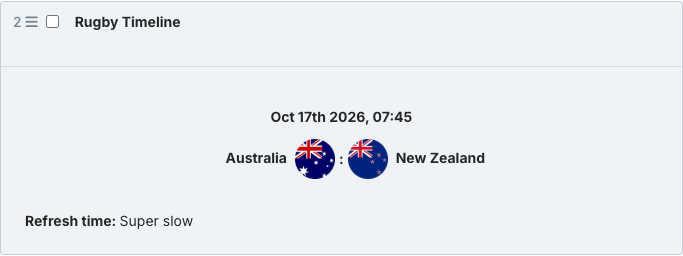
- Hover the saved block. Of the controls that appear (Copy embed code, Preview, Edit and Remove), select Preview to see the real widget.
Rugby Timeline Widget options
- Team (required) — The team whose data you want to show. Type to search.
- Refresh time — Controls how often the published widget refetches its data. Leave empty to use your project’s global refresh setting.
What the Rugby Timeline Widget shows
The timeline is built from match events such as tries, conversions, penalty kicks, cards and substitutions:
- Half — half boundary: marks where each half begins and ends
- Score — running score: points as they accumulate through the half
Preview of the Rugby Timeline Widget
The widget shows the match’s events, divided by half.
Until the match has recorded events, the widget shows “No events yet”.
Good to know
Only the preview shows the real widget. The collapsed block and the options panel show a CMS summary card instead — always check preview before publishing.
- The preview area is narrower than a published page, so the widget uses its compact layout there and may hide columns that the published version shows.
- The widget always renders whichever version of the sports widgets library your project is on. There is no version to set.
- This covers Rugby Union and Rugby League alike — which competitions and matches are available depends on your project’s data, not on the widget itself.
- If your development team integrates this data directly through the API rather than through this CMS, the sport key to use is rugby_union, not rugby — the CMS handles this translation for you automatically.